Guide
How to customize HubStore
HubStore is a membership store for templates and components website template for Framer. This guide shows how to get your copy, build new pages with the AI agent, and change colours, fonts, text and content by hand.
01
Get the template
Make your own copy first. Your copy is yours to edit and publish.
Open the HubStore page on the Framer Marketplace.
Click Remix (free) or Buy, then pick the workspace for your copy.
Framer opens your copy in the editor. Publish it once to get a free framer.website address.
Connect your own domain later in Site Settings > Domains.
02
Build with the AI agent
HubStore comes with a design-system skill. It tells Framer’s AI agent how to use this template’s own styles, components and layout rules.
Open the AI agent from the top bar.
Type /design-system and then describe the page or section you want.
Check the new page on Desktop, Tablet and Phone.
Fix small things by hand, or ask the agent again.
Try one of these prompts:
/design-system Add a UI Kits page with a hero, a grid of Template Posts and the Pricing Deck.
/design-system Add a Featured Creators section to the Home page using Testimonial Cards and Button/Fill.
/design-system Make a Changelog page with Blog Cards and the FAQ block.
/design-system Add a Members-only offer section with a Pricing Card and Button/Outline.
03
Watch the walkthrough
A short video of the editor: the Design System page, the skill in Settings, a /design-system prompt and a quick edit by hand.
04
Edit by hand
Colours: open Assets > Colors. Change a style like Brand/Primary or Surface/Page once and every page updates.
Fonts and sizes: open Assets > Text Styles. Edit a style such as Heading/H1 80 Bold to change every title that uses it.
Text and images: double-click any text or image on the canvas to replace it.
Buttons: select a button and change its label and link in the right panel.
CMS: open CMS in the left panel to edit Template, Template Category, Component, Components Category, Blog, Blog Category and Terms and Privacy.
Membership: the sign-in, sign-up and account pages use the FrameAuth components. Connect your own member service before you go live.
Forms: select the contact and newsletter forms and set Send To in the right panel.
SEO: Site Settings > General for the site title, description and social image. Page Settings for each page.
05
Design System page
Open Design pages > Design System in the left panel. It has six boards: 00 How to Use, 01 Colors, 02 Typography, 03 Components, 04 Layout Rules and 05 Example Page. Each one shows real styles and component instances, so what you see there is what the site uses.


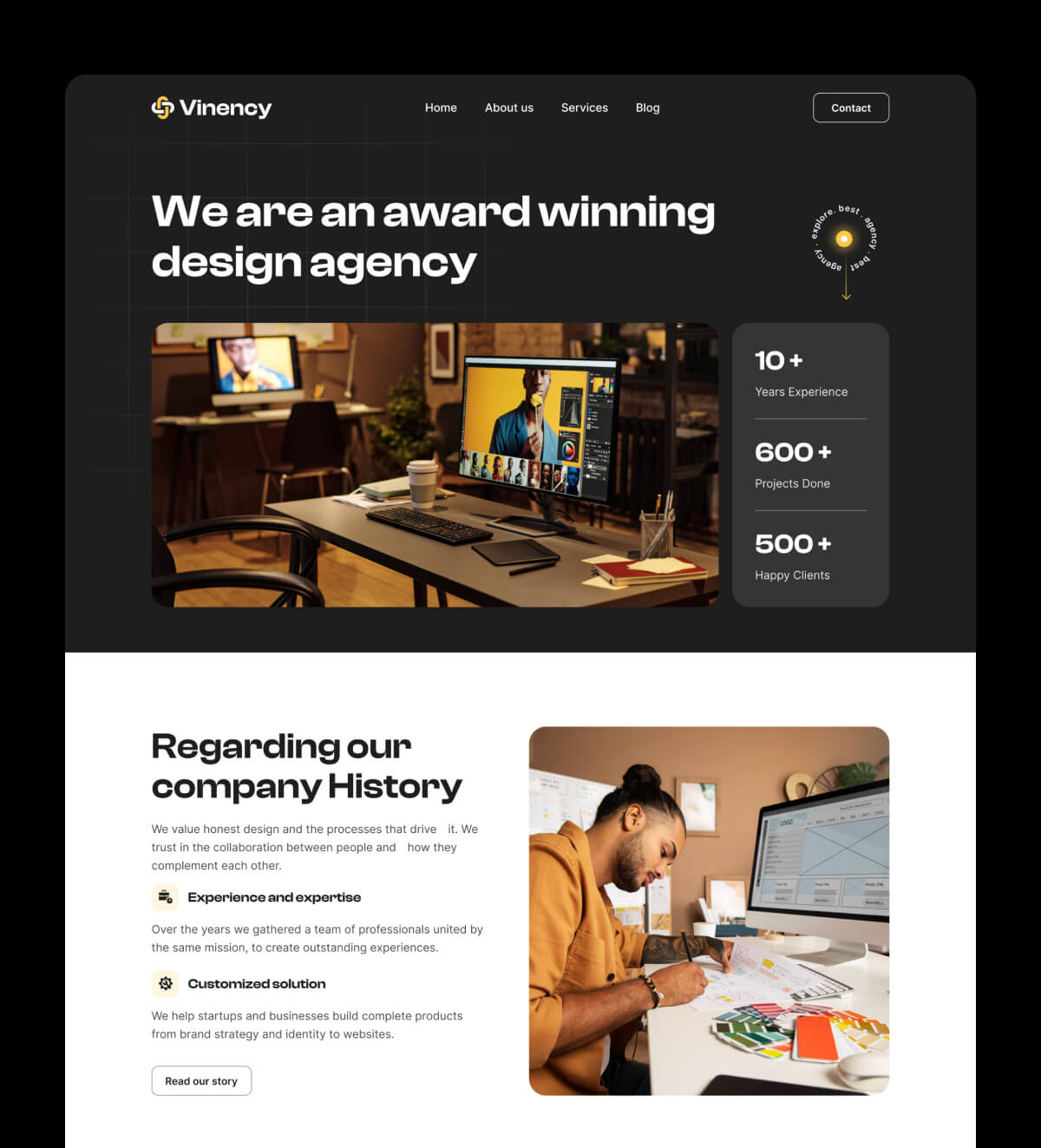


Get Membership with unlimited template
Unlock the full potential of your designs with a membership that offers unlimited access to our entire library.
Get Membership with unlimited template
Unlock the full potential of your designs with a membership that offers unlimited access to our entire library.
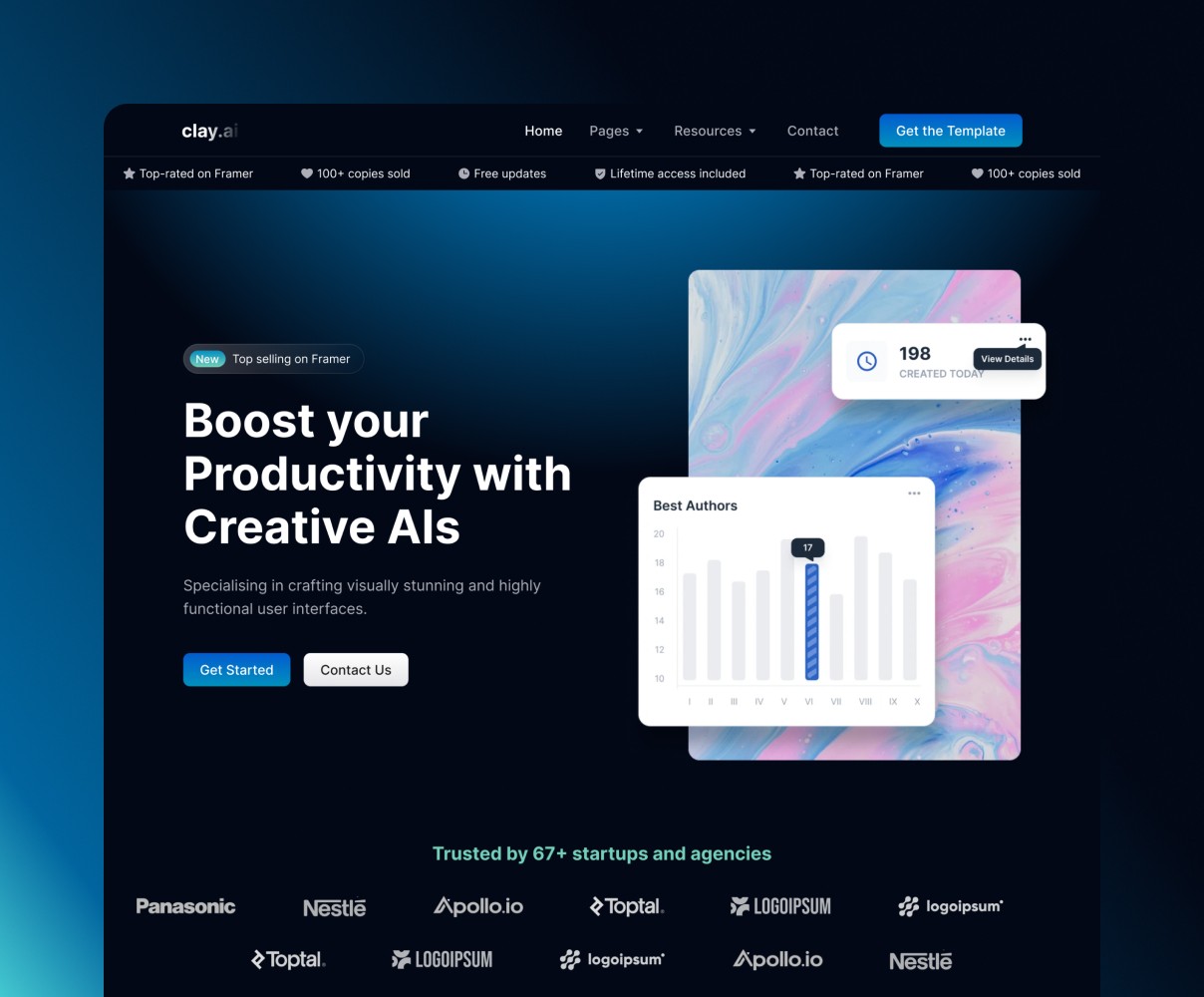

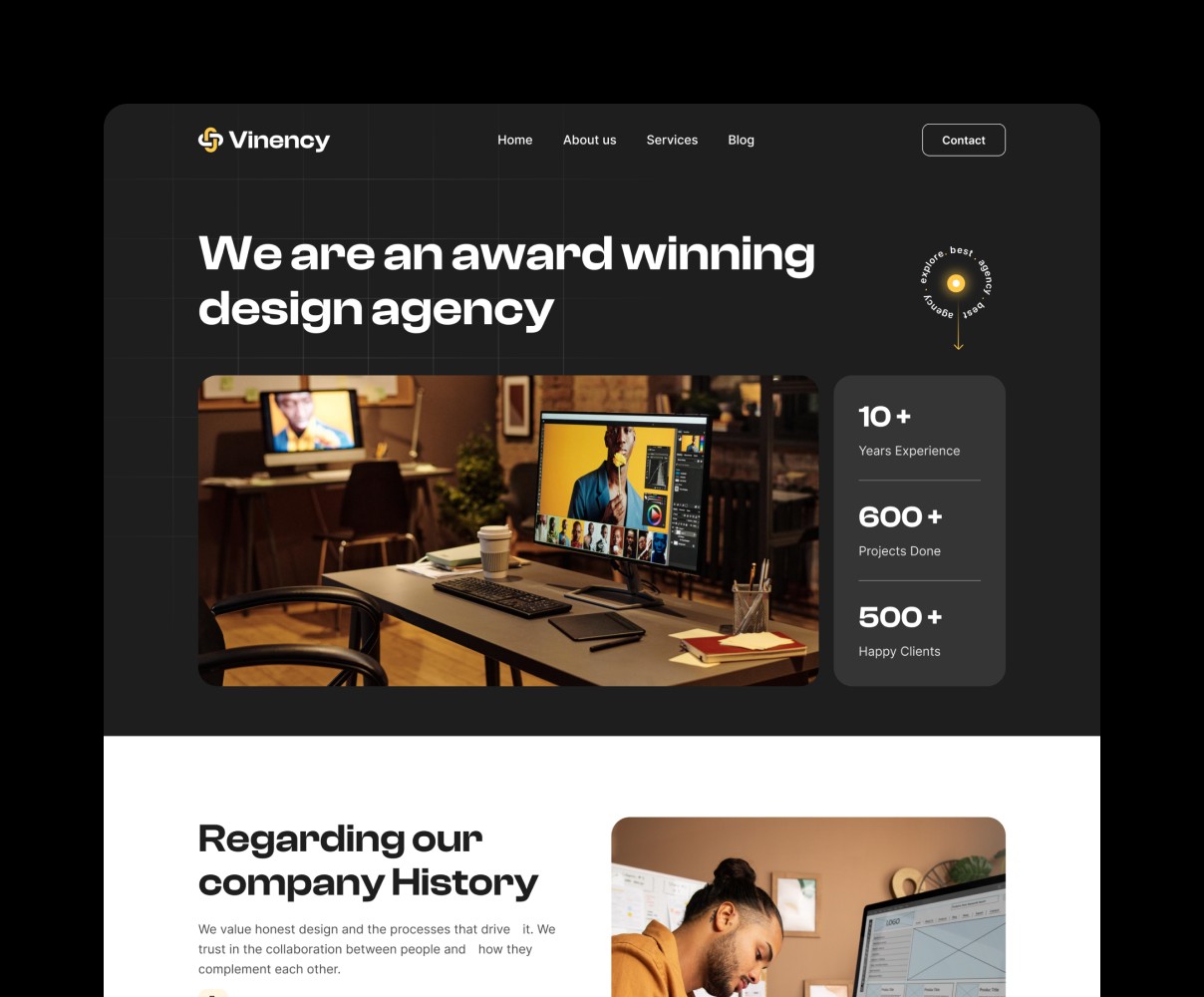
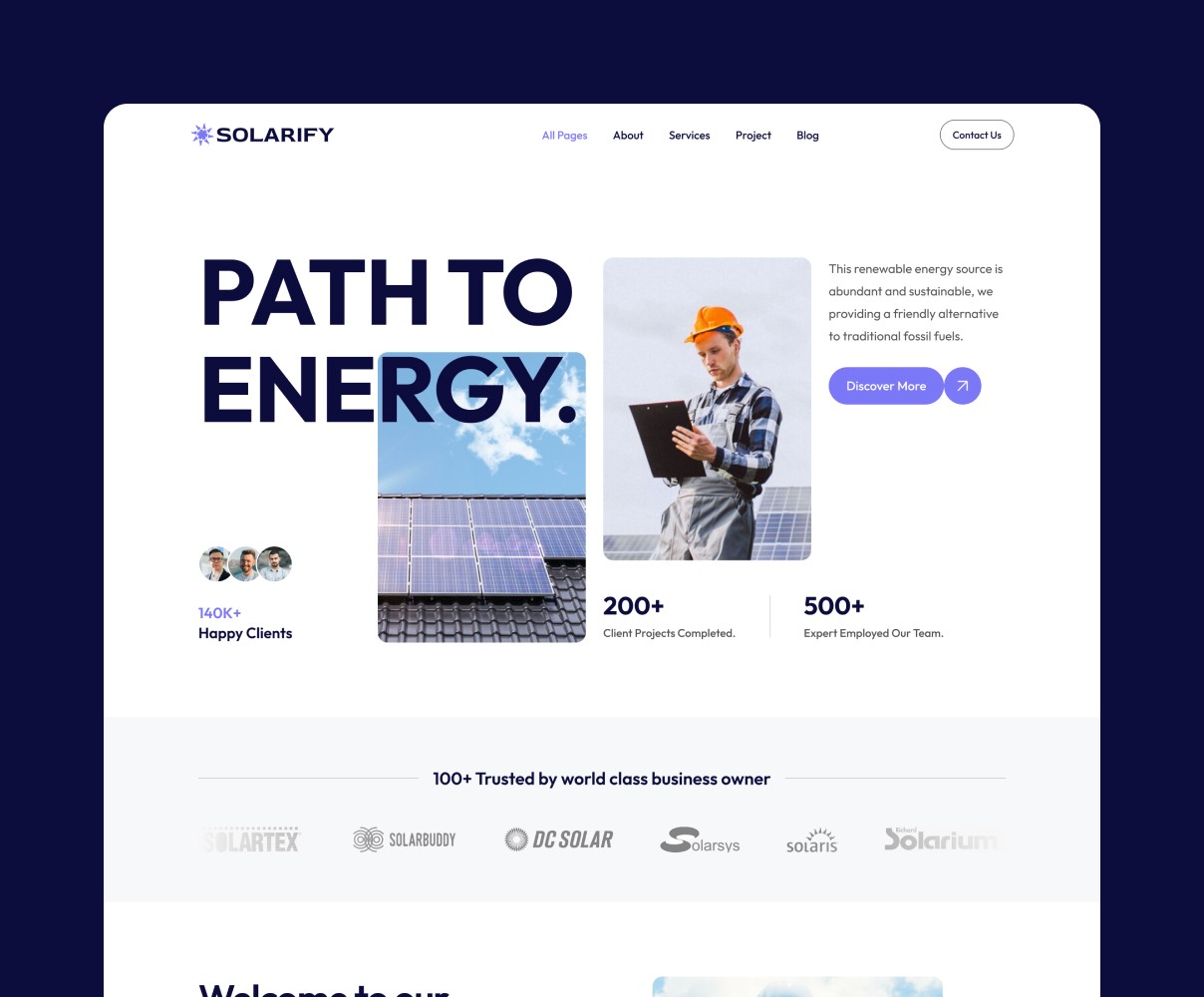



Get Membership with unlimited template
Unlock the full potential of your designs with a membership that offers unlimited access to our entire library.
Frequently Asked Questions
Unlock the full potential of your designs with a membership that offers unlimited access to our entire library of premium templates and components.
Frequently Asked Questions
Unlock the full potential of your designs with a membership that offers unlimited access to our entire library of premium templates and components.
Frequently Asked Questions
Unlock the full potential of your designs with a membership that offers unlimited access to our entire library of premium templates and components.
What is included in the free plan?
The free plan gives you access to a limited selection of templates and components to help you get started with website. You’ll also receive basic updates to the free library. Also our Team Plan allows up to 5 users to access the full library, collaborate on projects, and share templates. It’s perfect for agencies or design teams.
What do I get with the Pro Plan?
The Pro Plan unlocks the full library of templates and components, giving you complete creative freedom in Framer. You’ll also enjoy advanced features like custom interactions, priority support, and premium updates.
Can I upgrade or downgrade my plan at any time?
Yes! You can upgrade or downgrade your plan at any time. Changes take effect immediately, and any price adjustments are prorated based on your billing cycle.
Do you offer a team plan for multiple users?
Yes! Our Team Plan allows up to 5 users to access the full library, collaborate on projects, and share templates. It’s perfect for agencies or design teams.
How often are new templates added?
New templates are added regularly to keep your designs fresh and up to date. With a Pro or Team Plan, you’ll get instant access to the latest additions.
What is included in the free plan?
The free plan gives you access to a limited selection of templates and components to help you get started with website. You’ll also receive basic updates to the free library. Also our Team Plan allows up to 5 users to access the full library, collaborate on projects, and share templates. It’s perfect for agencies or design teams.
What do I get with the Pro Plan?
The Pro Plan unlocks the full library of templates and components, giving you complete creative freedom in Framer. You’ll also enjoy advanced features like custom interactions, priority support, and premium updates.
Can I upgrade or downgrade my plan at any time?
Yes! You can upgrade or downgrade your plan at any time. Changes take effect immediately, and any price adjustments are prorated based on your billing cycle.
Do you offer a team plan for multiple users?
Yes! Our Team Plan allows up to 5 users to access the full library, collaborate on projects, and share templates. It’s perfect for agencies or design teams.
How often are new templates added?
New templates are added regularly to keep your designs fresh and up to date. With a Pro or Team Plan, you’ll get instant access to the latest additions.
What is included in the free plan?
The free plan gives you access to a limited selection of templates and components to help you get started with website. You’ll also receive basic updates to the free library. Also our Team Plan allows up to 5 users to access the full library, collaborate on projects, and share templates. It’s perfect for agencies or design teams.
What do I get with the Pro Plan?
The Pro Plan unlocks the full library of templates and components, giving you complete creative freedom in Framer. You’ll also enjoy advanced features like custom interactions, priority support, and premium updates.
Can I upgrade or downgrade my plan at any time?
Yes! You can upgrade or downgrade your plan at any time. Changes take effect immediately, and any price adjustments are prorated based on your billing cycle.
Do you offer a team plan for multiple users?
Yes! Our Team Plan allows up to 5 users to access the full library, collaborate on projects, and share templates. It’s perfect for agencies or design teams.
How often are new templates added?
New templates are added regularly to keep your designs fresh and up to date. With a Pro or Team Plan, you’ll get instant access to the latest additions.